
For busy families
A calmer way to see today
Dayroom brings school, work, meals, chores, medicine, routines, and rewards into one peaceful plan your whole family can follow.
- Parent view
- Plan the day and keep details where you can find them.
- Kid view
- A simpler screen that shows children what belongs to them.
- Wall view
- A shared display for the kitchen, playroom, or homework area.
The day at a glance
Today should feel like a rhythm, not a pile of separate lists.
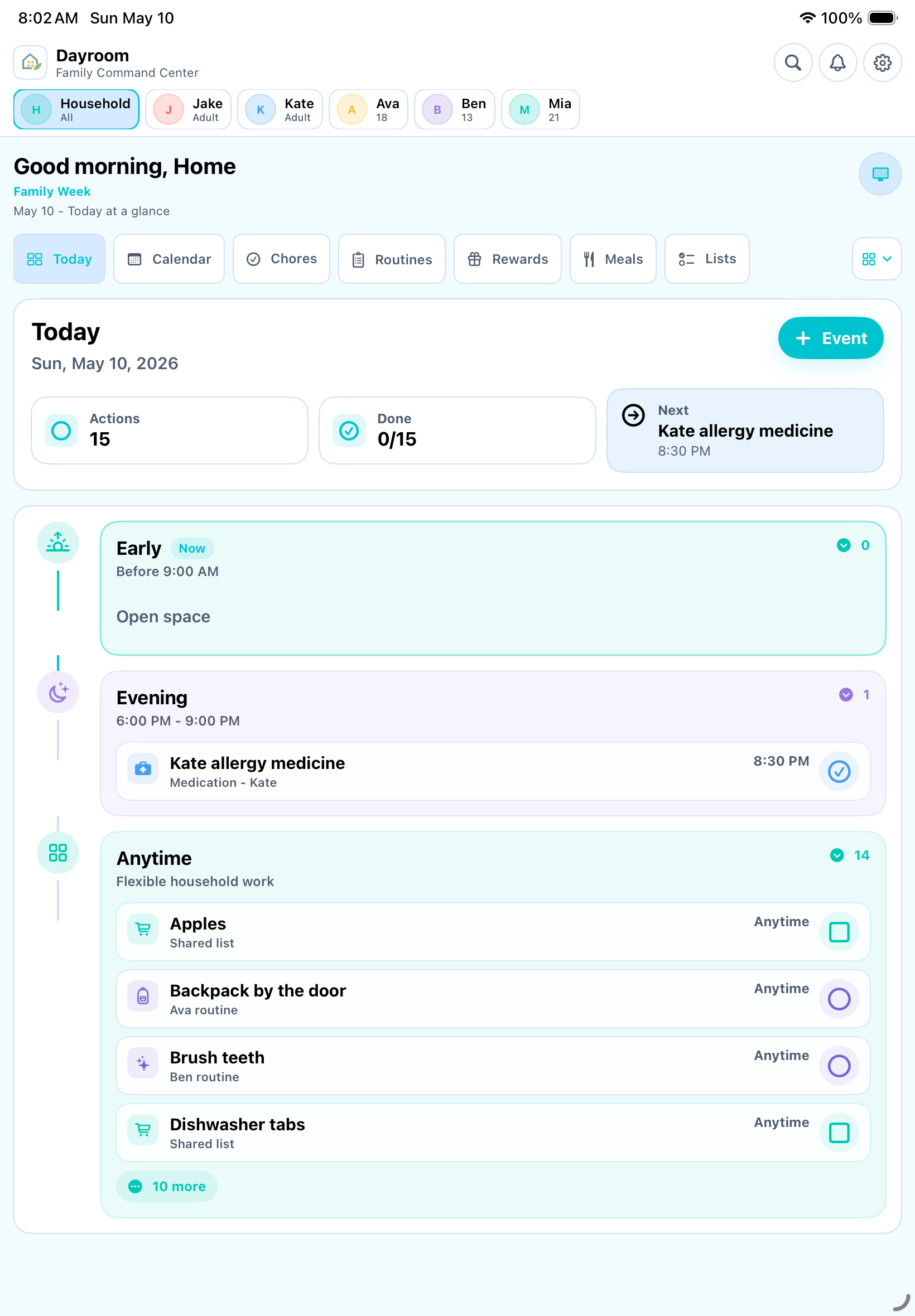
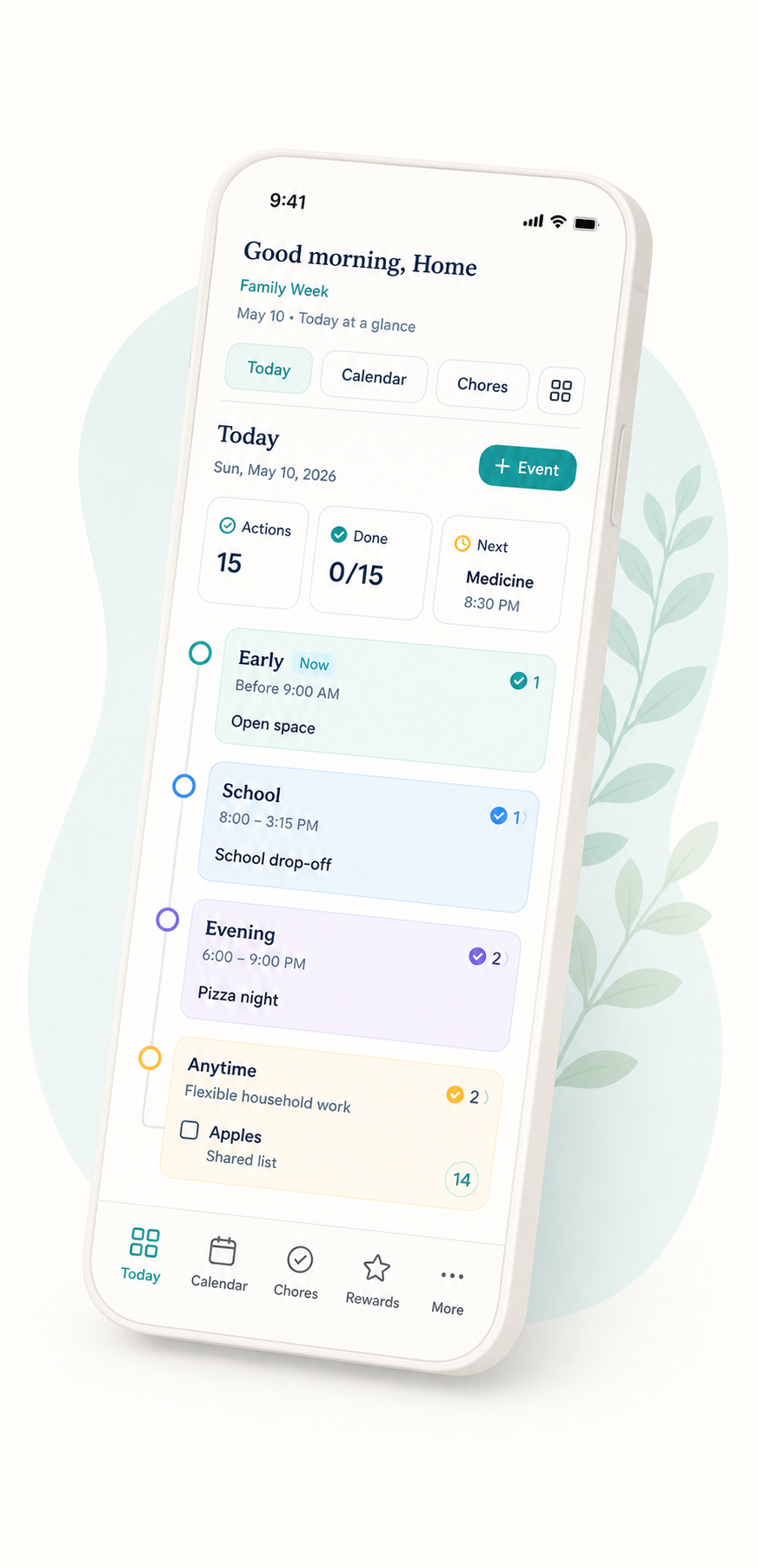
Dayroom puts appointments, school blocks, medicine, meals, chores, routines, lists, rewards, and calendar notes into the same daily flow. Tap anything to open the details when you need them.
For kids
A calmer way for children to know what is theirs.
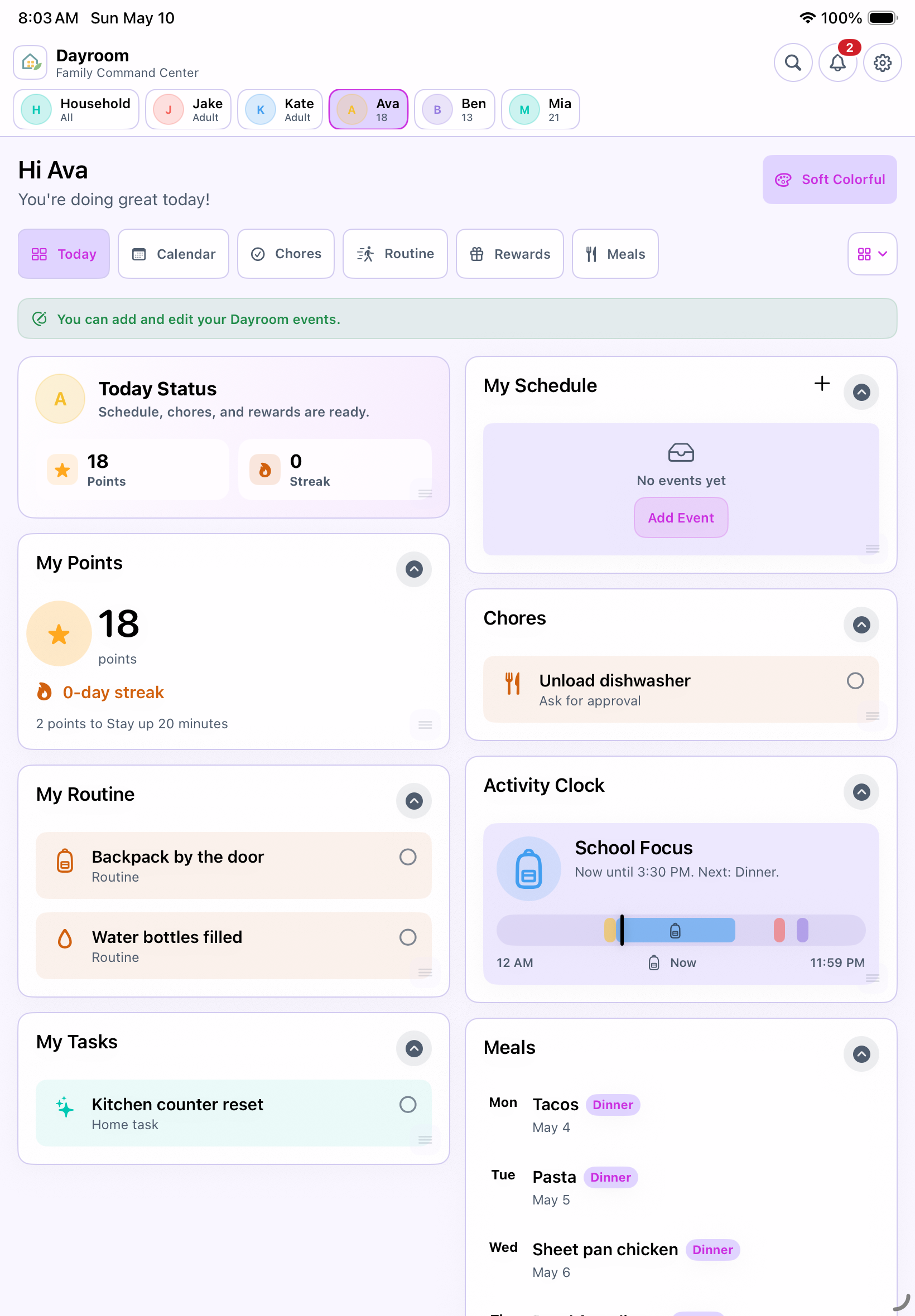
Kid mode turns the household plan into friendly cards for schedules, chores, routines, points, rewards, streaks, meals, and the activity clock. Parents can keep sensitive notes out of the kid view.
For the kitchen or playroom
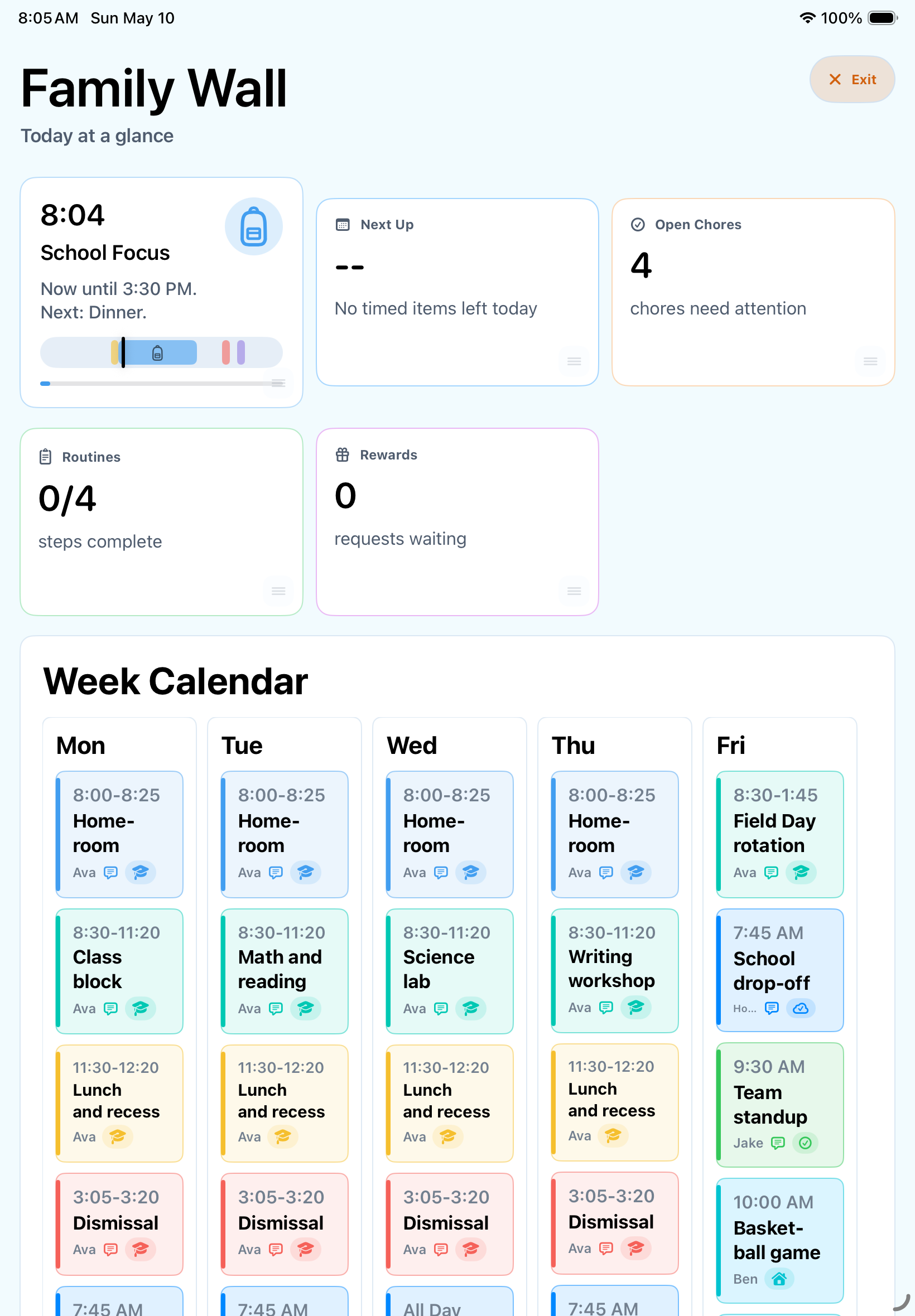
Wall mode keeps everyone pointed at the same next step.
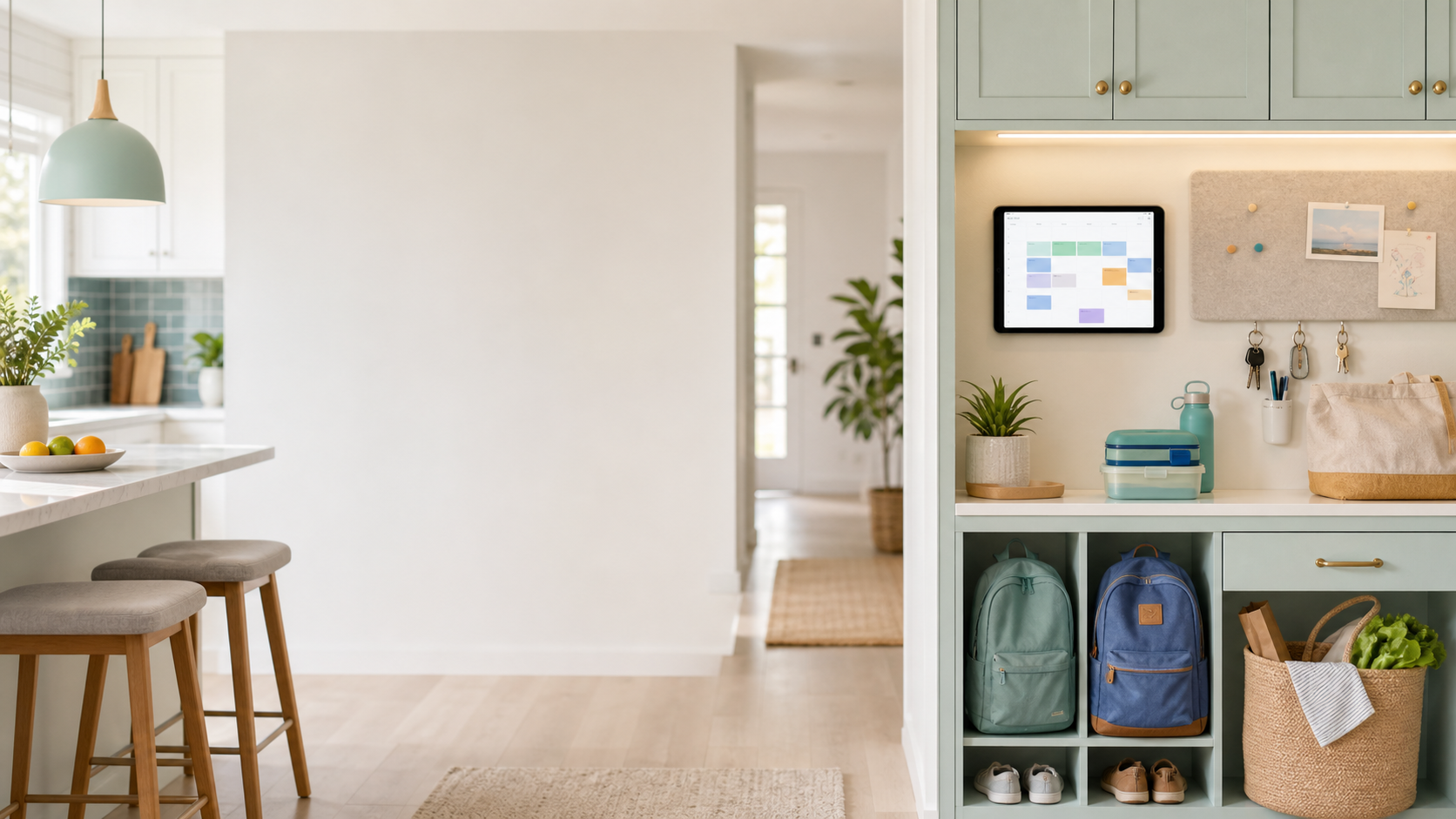
Put Dayroom on an iPad in a shared spot and the family can see what is happening now, what comes next, and what needs attention before the day moves on.
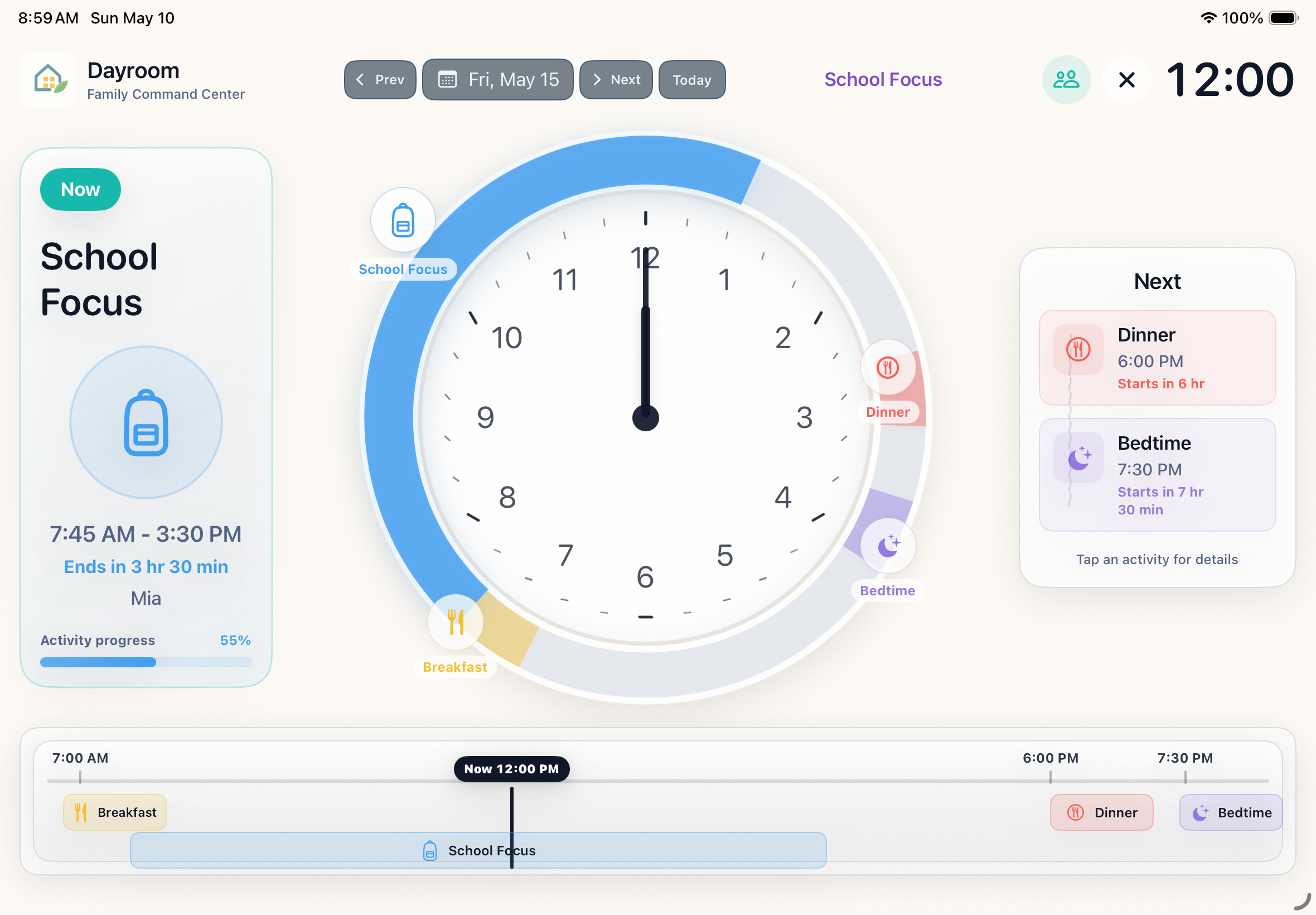
The activity clock
A visual clock that helps kids understand what is happening now.
For younger kids, a regular schedule can be hard to picture. The activity clock shades the day around the clock face so school, meals, quiet time, dinner, and bedtime are easy to see at a glance.
What makes Dayroom different
Built for the little details families usually lose.
Dayroom is more than a calendar. It is a shared place for the work of running a home.
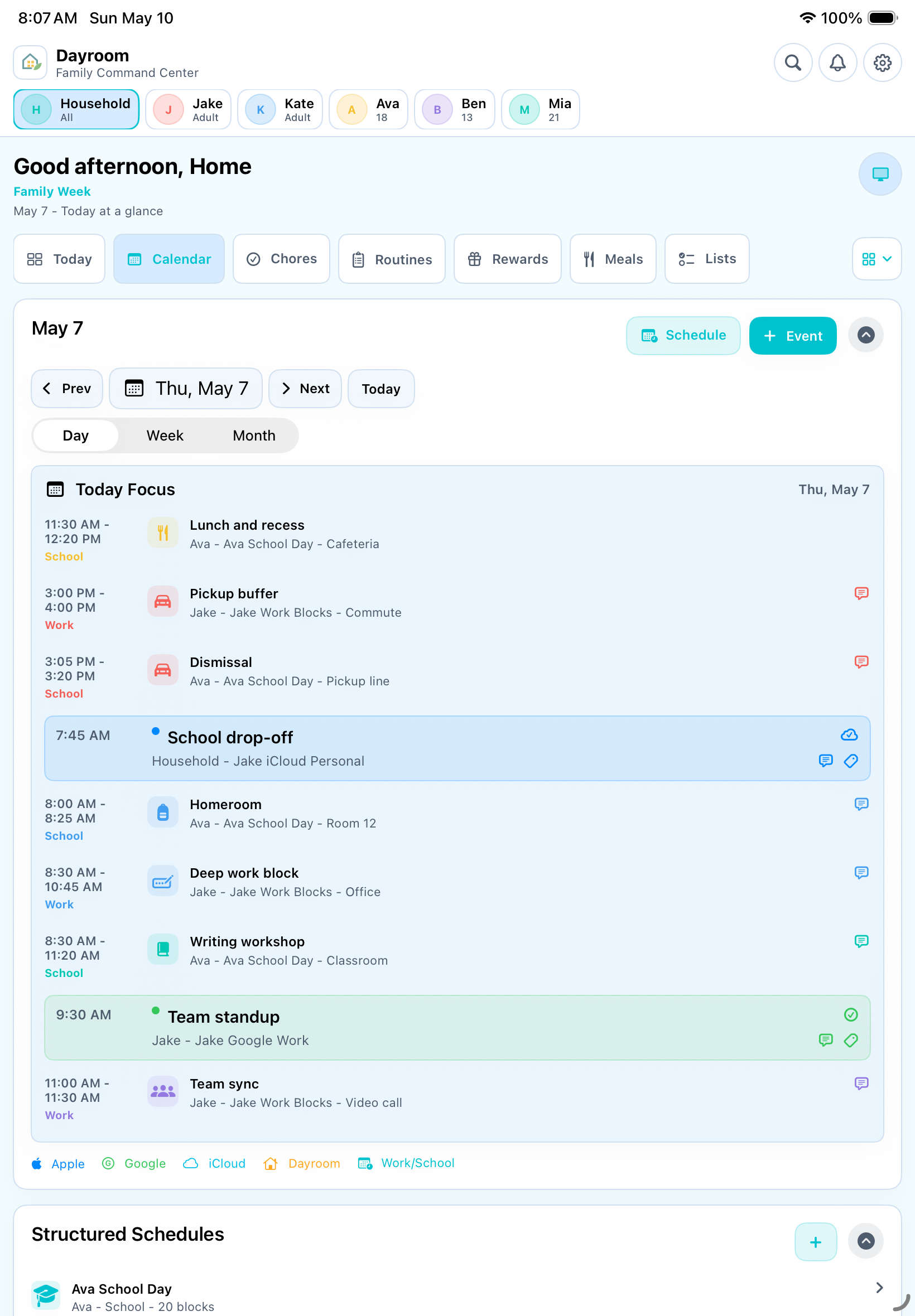
Schedules that carry context
View another day, open a school or work block, and keep the parent details close without crowding the calendar.
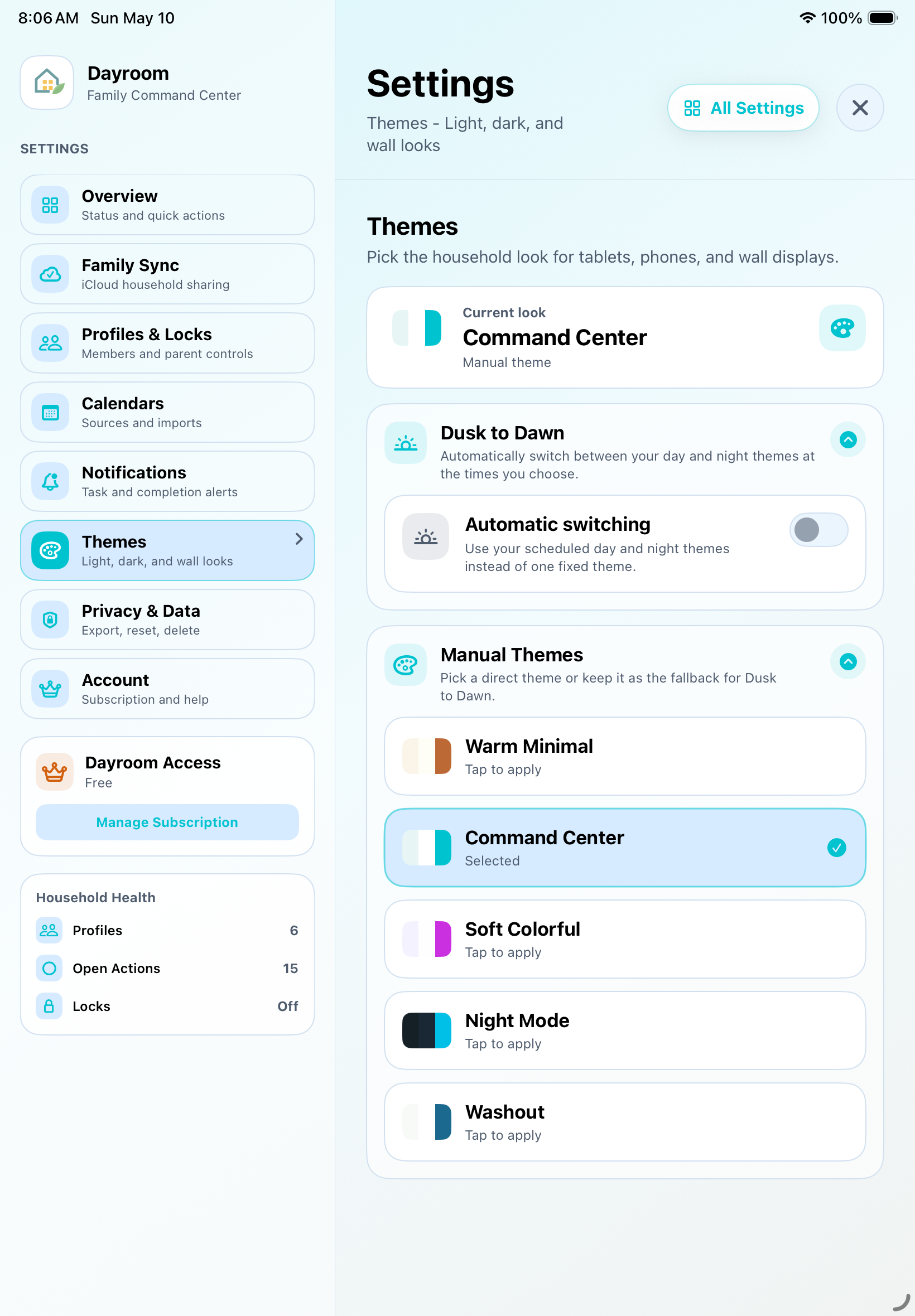
Settings that feel organized
Profiles, locks, calendars, themes, notifications, data, subscription, and support live in one place.
Calm controls for real households
Parents stay in charge of what each person sees.
Dayroom keeps adult tools easy to reach without putting every setting in front of every child. Export, delete, subscription, support, and calendar controls remain available when families need them.
Dayroom Access
Dayroom is coming to iOS.
The family experience lives in the iPad and iPhone app. The App Store link will appear here when the listing is live. Launch pricing is 14-day trial, then $4.99/month or $49.99/year.
Monthly
$4.99
after a 14-day trial
Annual
$49.99
after a 14-day trial
iOS App Store
Coming soon
Placeholder until approval
Built for the counter, car, and couch